 站长资讯网
站长资讯网在之前的文章《手把手教你使用CSS3实现按钮悬停闪烁动态特效》中,我们介绍使用CSS3给按钮添加动态效果,实现一个按钮悬停闪亮阴影动画效果的方法,感兴趣的朋友可以去了解一下~
今天我们我们来看看使用CSS3怎么给文本添加背景图,让文字变得生动好看!在我们想要创建一个较大的文本标题,但不想使用普通又枯燥的颜色来修饰时,非常有用!
我们先来看看效果图:
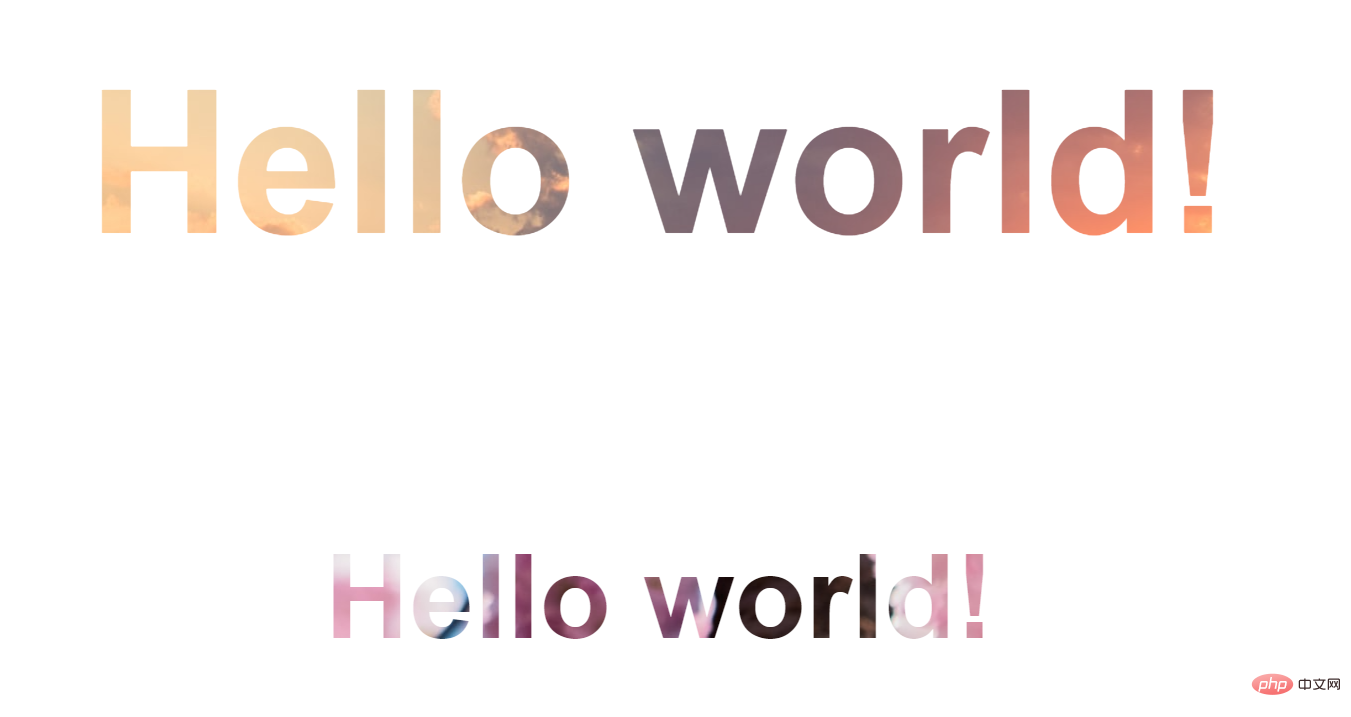
下面我们来研究一下是怎么实现这个效果的:
首先是HTML部分,定义两个标题
<body> <h1>Hello world!</h1> <h3>Hello world!</h3> </body>

然后开始定义css样式来进行修饰:
body { display: flex; align-items: center; justify-content: center; flex-direction: column; width: 100%; text-align: center; min-height: 100vh; font-size: 100px; font-family:Arial, Helvetica, sans-serif; }
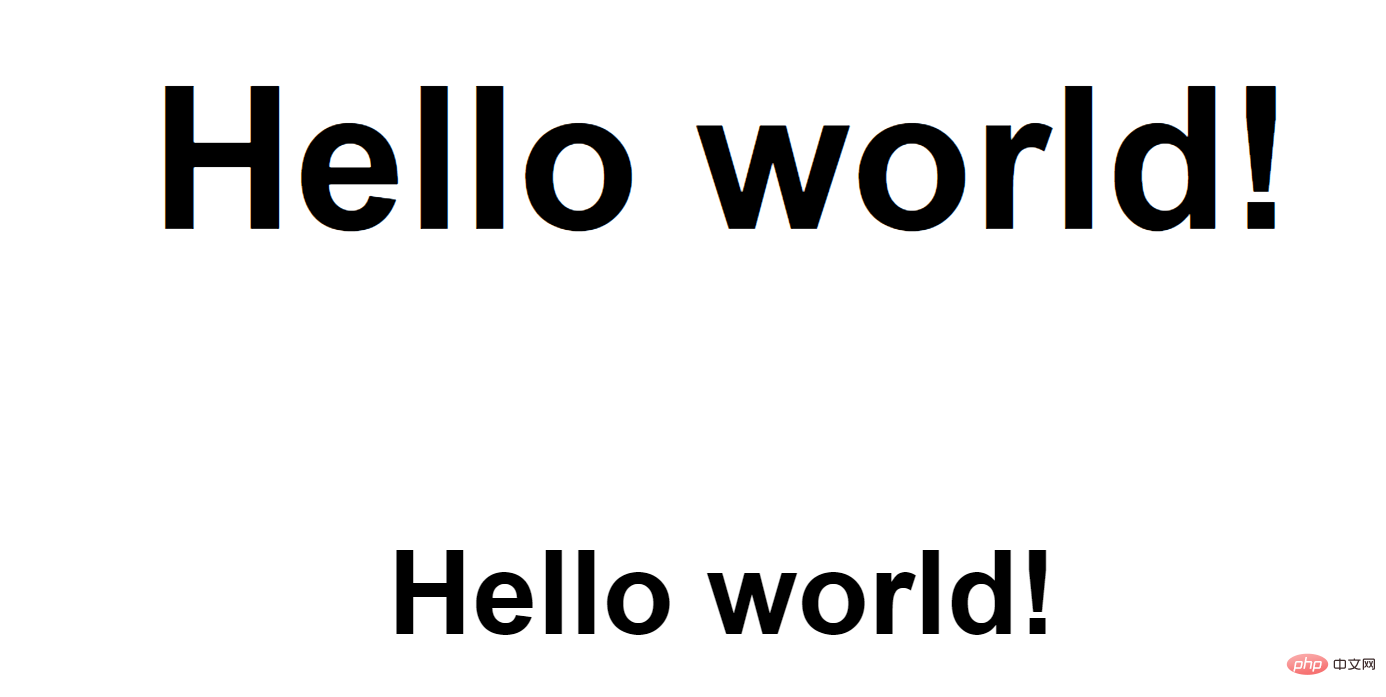
最后就是给文字添加背景图片:
-
将文字原本的颜色设置为transparent透明,然后利用background-image属性给文字加背景图片
h1 { color: transparent; background-image: url("https://img.php.cn/upload/article/000/000/024/612360451cede816.jpg"); } h3{ color: transparent; background-image: url("https://img.php.cn/upload/article/000/000/024/6124c86e0808b298.jpg"); }
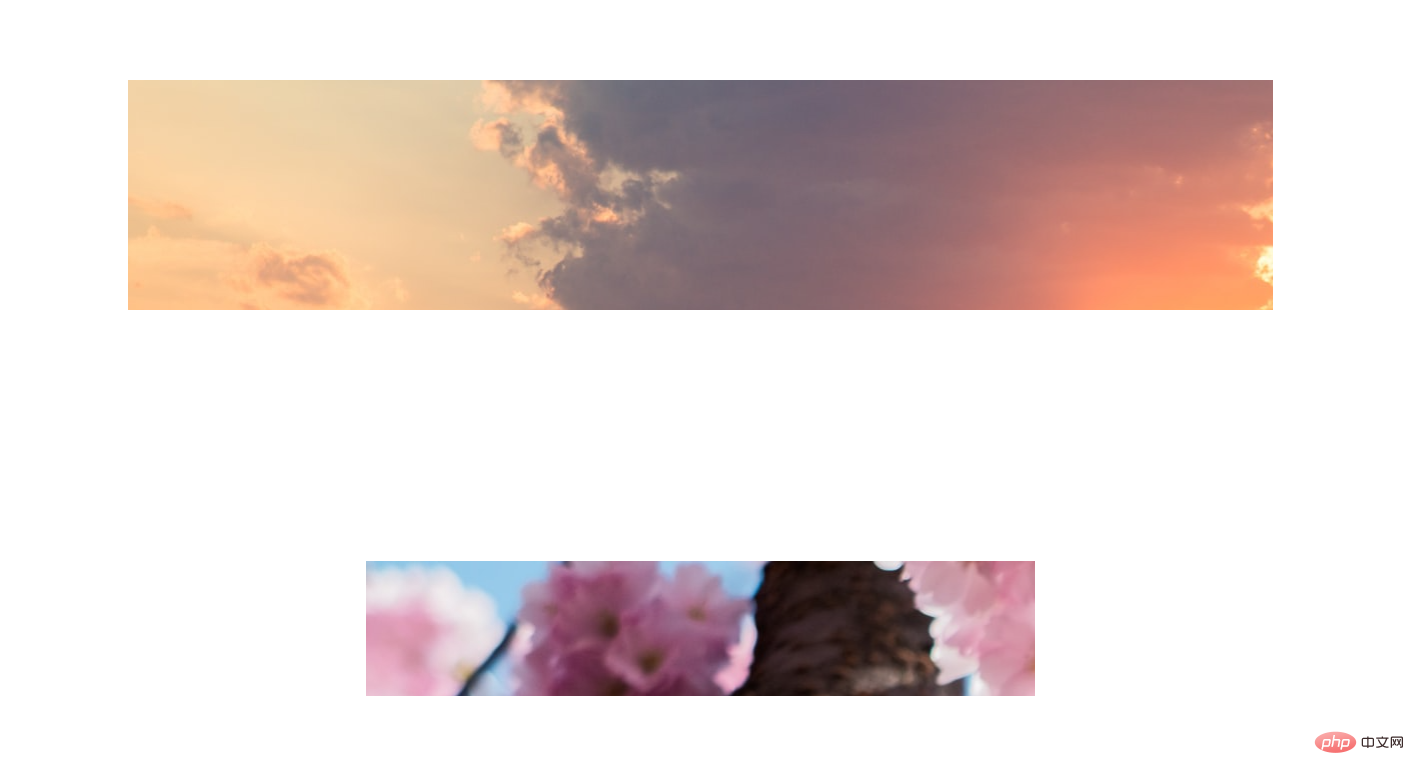
发现效果是这样的,不如人意。这是因为缺少了一个关键属性background-clip。background-clip属性是一个CSS3新属性,要添加前缀来兼容其他浏览器
h1 { color: transparent; background-image: url("https://img.php.cn/upload/article/000/000/024/612360451cede816.jpg"); background-clip: text; -webkit-background-clip: text; } h3{ color: transparent; background-image: url("https://img.php.cn/upload/article/000/000/024/6124c86e0808b298.jpg"); background-clip: text; -webkit-background-clip: text; }

ok,大功告成!下面附上完整代码:
<!DOCTYPE html> <html> <head> <meta charset="utf-8"> <style type="text/css"> body { display: flex; align-items: center; justify-content: center; flex-direction: column; width: 100%; text-align: center; min-height: 100vh; font-size: 100px; font-family: Arial, Helvetica, sans-serif; } h1 { color: transparent; background-image: url("https://img.php.cn/upload/article/000/000/024/612360451cede816.jpg"); background-clip: text; -webkit-background-clip: text; } h3 { color: transparent; background-image: url("https://img.php.cn/upload/article/000/000/024/6124c86e0808b298.jpg"); background-clip: text; -webkit-background-clip: text; } </style> </head> <body> <h1>Hello world!</h1> <h3>Hello world!</h3> </body> </html>
因为我们使用的是静态图片,所以是文本背景图效果也是静态的。如果使用动图会有动态效果:
h3 { background-image: url("https://img.php.cn/upload/image/161/146/599/1629799857734746.gif"), url("https://img.php.cn/upload/image/817/380/291/1629799861847258.gif"); background-clip: text; -webkit-background-clip: text; color: transparent; }

PHP中文网平台有非常多的视频教学资源,欢迎大家学习《css视频教程》!
